





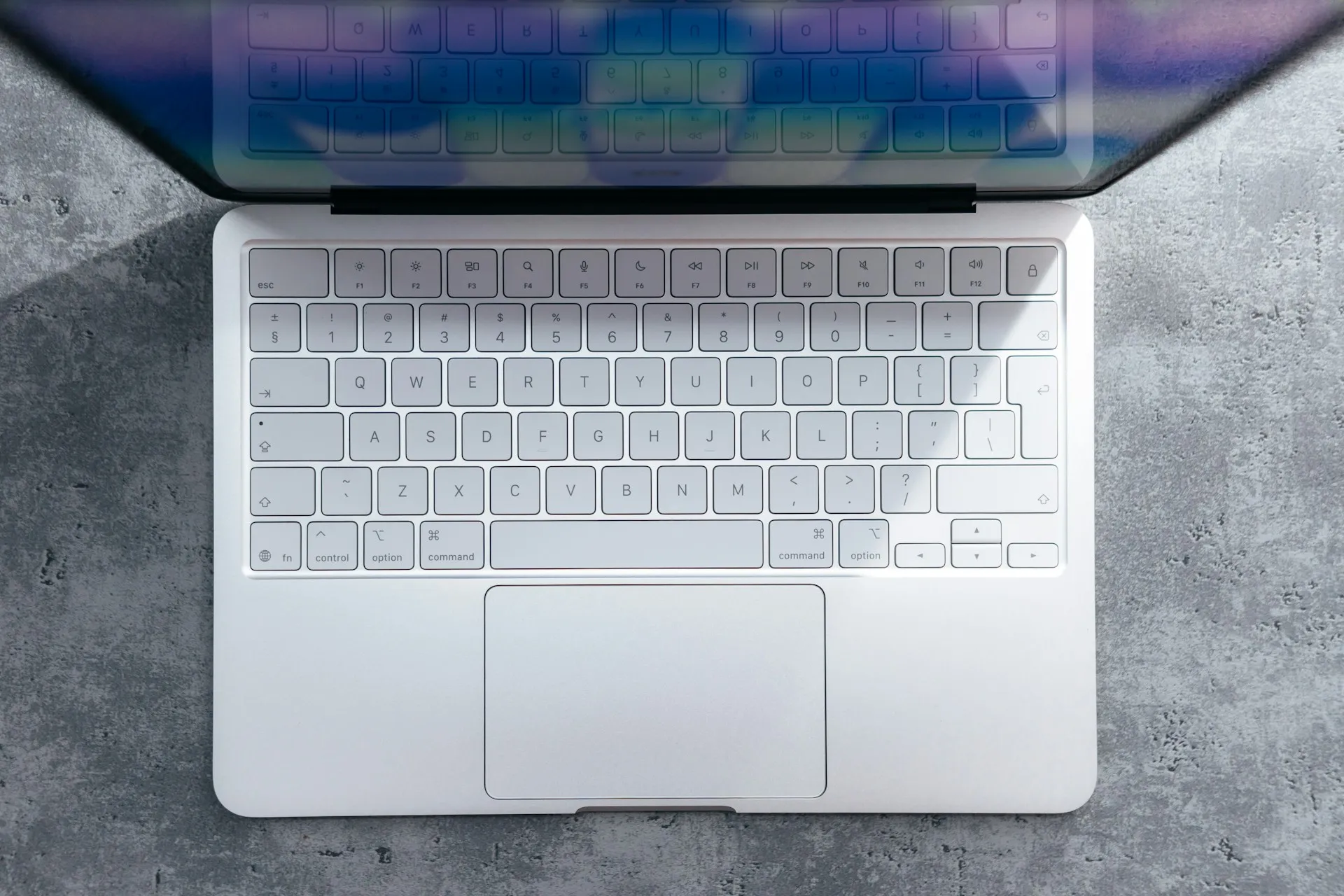
When you hear about someone successfully upgrading a MacBook's storage, your first thought might be "that's not so hard—just swap out an SSD, right?" Well, Hong Kong-based YouTuber DirectorFeng just proved that assumption completely wrong. He managed to upgrade his MacBook Neo from the base 256GB to a full 1TB of storage, but the process involved skills that would make most repair technicians nervous.
What makes this upgrade so challenging?
Here's the thing about the MacBook Neo's storage—it's not your typical removable SSD that you can just unscrew and replace. We're talking about a NAND chip that's permanently soldered directly to the motherboard. The storage modules are soldered firmly to the mainboard, which means there's no simple card swap happening here.
This is what repair experts call a "brute force" approach—you literally have to desolder the old NAND chips and solder new ones in their place. The process demands specialized equipment that most people don't have lying around: microscopes for precision work, hot-air rework stations for controlled desoldering, and reballing equipment to prepare the replacement chip. Without these tools, you're essentially trying to perform microsurgery with a butter knife.
DirectorFeng's nearly 24-minute video walks through each critical step, but what's really striking is how each phase introduces new failure points. First, you need to remove thermal paste from the A18 Pro chip without contaminating nearby components. Then comes the delicate desoldering process, where too much heat can lift connection pads permanently. After cleaning all the contact surfaces, installing the 1TB replacement requires perfect alignment—we're talking about tolerances measured in fractions of millimeters.
But here's where it gets even trickier: the physical work is only half the battle. DirectorFeng had to use DFU mode with a second Mac to properly initialize the new storage and reinstall macOS. This isn't optional—without this firmware-level pairing process, your perfectly soldered upgrade becomes an expensive paperweight.
Why Apple limits official storage options
You might be wondering why Apple only offers the MacBook Neo in 256GB and 512GB configurations when DirectorFeng just proved the hardware can clearly handle 1TB. Apple currently ships its entry-level notebook in variants with 256GB for €699 and 512GB for €799. That suggests a product-positioning choice rather than a clear technical limit.
Apple's approach creates clear upgrade paths that funnel buyers toward predictable decisions. By keeping storage options limited, they encourage users to either pay premium prices upfront for higher-capacity models or invest in Apple's ecosystem of external storage and cloud services. As Tom's Hardware points out, this approach locks buyers into early configuration decisions they can't easily change later.
But there's another layer to this strategy that becomes clear when you look at the upgrade's actual performance results. After reassembly, the 1TB module even achieved slightly higher speed values than the 256GB variant, with macOS running without any issues. This suggests the hardware may be capable of higher capacities than Apple officially offers
The unified memory architecture presents an even bigger challenge than storage limitations. Unlike the NAND chips, the MacBook Neo's 8GB of RAM is integrated directly into the A18 Pro chip package, making memory upgrades virtually impossible without replacing the entire processor—something that crosses from difficult into practically unfeasible territory.
The risks and realities of DIY upgrades
Let's be crystal clear about what you're getting into if you're thinking about attempting this modification. The warranty issue is just the tip of the iceberg. The modification naturally results in the loss of warranty, but that's actually the least concerning risk you'll face.
The microsoldering process operates at the absolute limits of what's repairable outside a factory setting. We're talking about component tolerances that require steady hands and years of experience to navigate successfully. Cult of Mac emphasizes that even small mistakes can permanently damage the logic board, effectively turning your budget-friendly laptop into expensive electronic waste.
What makes this particularly challenging is the cascade of potential failure points. Overheating during desoldering, and you might damage the A18 Pro chip itself. Apply uneven pressure, and you could crack the motherboard substrate. Misalign the replacement chip by even microscopic amounts, and you'll create connection issues that are nearly impossible to diagnose later.
Then there's the supply chain challenge that most people don't consider. According to Heise online, finding both suitable NAND modules and capable technicians who can perform the resoldering process flawlessly is no small feat. You need components with exactly the right specifications, pinout compatibility, and firmware expectations—all while hoping your chosen repair shop has both the equipment and expertise to execute flawlessly.
Even if you nail the physical modification, you're still dependent on Apple's DFU restoration process working correctly. If something goes wrong during firmware initialization, you could end up with a perfectly modified piece of hardware that simply won't boot.
What this means for MacBook buyers
DirectorFeng's successful upgrade reveals something important about Apple's current hardware strategy. The technical capability clearly exists—the MacBook Neo can handle 1TB of internal storage without any performance compromises, and actually performs slightly better with the larger capacity. This isn't a case of hardware limitations holding back user choice; it's strategic product positioning in action.
This demonstration highlights the growing gap between what users want (upgradeability) and what modern laptop design prioritizes (integration and efficiency). While the MacBook Neo has earned praise from iFixit as the most repairable MacBook in 14 years, the reality is that the most meaningful upgrades—the ones that could extend a device's useful life significantly—remain effectively impossible for typical users.
For most people shopping for a MacBook Neo, the practical lesson isn't about DIY possibilities. It's about understanding that your storage decision at purchase time is essentially permanent. Club386 notes that while the base 256GB model offers attractive entry-level pricing, that storage limitation will likely push many users toward external solutions or higher-capacity configurations from day one.
This creates an interesting purchasing dynamic: the "budget" model might not actually save you money if you end up needing external storage solutions, cloud subscriptions, or eventual device replacement due to capacity constraints. The successful 1TB upgrade proves that Apple's hardware can deliver more—they just choose not to offer it at this price point.
The bigger picture on repairability
This modification sits right at the intersection of technical achievement and policy debate, revealing both possibilities and limitations in our current approach to device repairability. DirectorFeng's work demonstrates that with sufficient expertise and equipment, even Apple's most integrated components can sometimes be modified. But the skill and equipment barriers remain so high that such modifications remain far beyond what average users can reasonably attempt.
The environmental implications add crucial context to this discussion. Right-to-repair advocates have long argued that non-upgradeable designs contribute to premature device replacement, and the numbers support their concerns. The United Nations estimates put annual global e-waste above 60 million metric tons, with storage-limited machines often getting replaced earlier than necessary from a purely functional standpoint.
What makes DirectorFeng's achievement particularly relevant is that it proves the technical capability exists within Apple's hardware design. In this mod, the upgraded unit reportedly showed slightly better storage performance than the base 256GB version. This suggests that many upgrade limitations are policy choices rather than technical constraints, which shifts the conversation from "what's possible" to "what should be accessible."
Apple has expanded its self-service repair program in recent years, though major Mac storage and memory upgrades remain out of reach for most users. But the MacBook Neo's design shows that when it comes to storage and memory—the upgrades that matter most for device longevity—we're still largely dependent on specialist intervention that costs more than many users' entire laptops.
The successful storage modification ultimately serves as both proof of concept and cautionary tale. It demonstrates that the hardware flexibility exists, but accessing it requires crossing a bridge that keeps meaningful upgradeability firmly in the realm of professional repair specialists. Until that gap closes, the choice between planned obsolescence and extended device life remains largely out of users' hands, regardless of their technical ambitions or environmental concerns.










Comments
Be the first, drop a comment!