






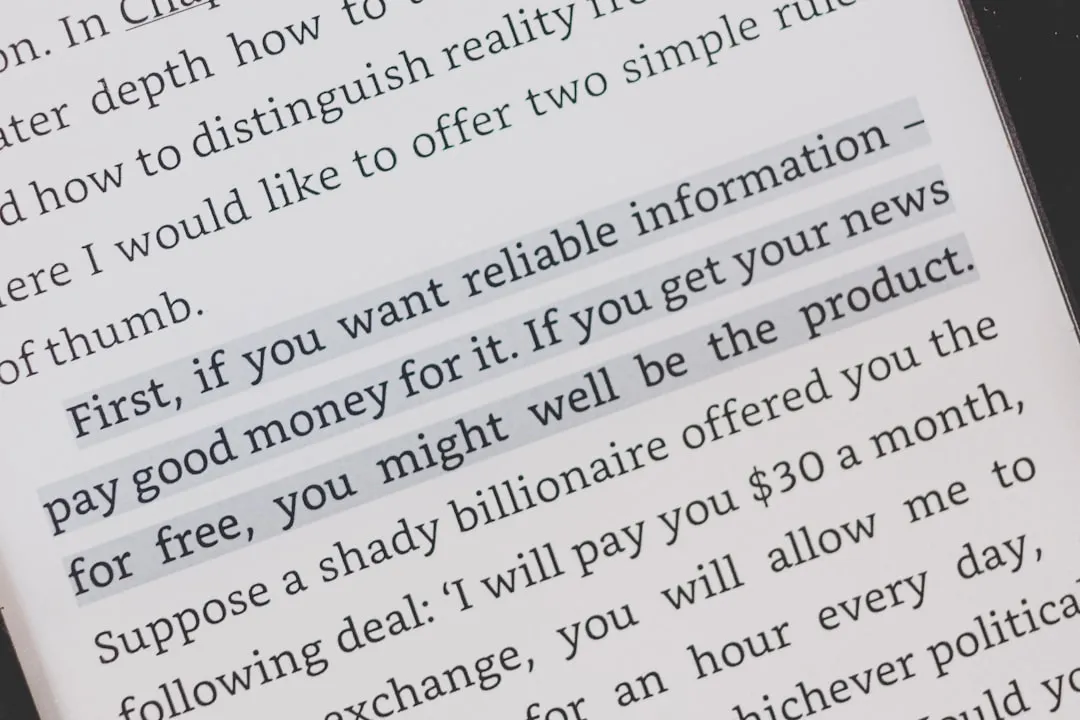
On May 20, 2026, Amazon cut off Kindle Store access for Kindle e-readers and Kindle Fire devices released in 2012 or earlier. Amazon told The Verge that affected devices would no longer be able to "purchase, borrow, or download new content" from the Kindle Store, though owners can still read books already downloaded to the device.
That makes jailbreaking tempting for some owners, but it is not a universal fix. The practical question is narrower: whether an older Kindle is worth modifying, whether sideloading is enough, and how much risk you are willing to take with a device tied to an Amazon library.
What Amazon's Kindle cutoff changed
The cutoff removes the remaining Kindle Store path for affected devices. Users can still read books already downloaded on those Kindles, and their Kindle libraries remain accessible through newer Kindle devices, the Kindle app, and Kindle for Web. But if an affected device is deregistered or factory reset after the cutoff, Amazon says it cannot be re-registered.
That matters because Amazon had already narrowed another exit route. On Feb. 26, 2025, the company removed Download & Transfer via USB, the website feature that let customers download purchased Kindle books to a computer and manually transfer them to a Kindle. Users can still manually copy compatible personal documents or DRM-free files to many Kindles over USB, but that is different from downloading fresh copies of purchased Kindle books from Amazon.
Switching platforms also remains complicated. Many Kindle purchases are locked to Amazon's ecosystem through DRM, so moving a large Kindle library to another reading app or e-reader is not as simple as copying files.
Amazon has framed the cutoff as the end of support for devices that are now 14 to 18 years old. The company is also offering affected users a 20% discount on a new Kindle and a $20 ebook credit if they upgrade by June 20, 2026, at 11:59 p.m. PT. That may be enough for users who simply want the easiest path forward, but it does not solve the larger lock-in problem for readers who expected an old but functional e-reader to keep receiving books they already bought or borrowed.
Should you jailbreak your old Kindle?
The answer depends entirely on your situation. Here's how to think through it.
Jailbreaking a Kindle means removing some of Amazon's software restrictions so the device can run community tools, custom screensavers, alternate launchers, and third-party reading software. One popular option is KOReader, an open-source reader for E Ink devices that supports formats including EPUB, PDF, DjVu, CBZ, FB2, TXT, HTML, RTF, DOC, and MOBI.
Compatibility is the catch. Kindle jailbreaks depend on the exact model and firmware version. For example, LanguageBreak is documented for Kindle firmware 5.16.2.1.1 or lower, and its own warnings say the process deletes device content and should not be followed by updating beyond that firmware. That means readers should not treat any jailbreak guide as generally applicable; a method that works on one Kindle model or firmware version may be wrong for another.
Before touching firmware, check what you can preserve locally. Calibre is a free, open-source ebook manager that can organize and convert files you already have access to, but it does not automatically make DRM-protected Kindle purchases portable. What you can back up depends on which files are already accessible, how they were delivered, and what DRM restrictions apply.
For owners who simply want to keep reading without firmware risk, USB sideloading is the more conservative path. It works best for personal documents, public-domain books, and DRM-free ebooks. It is less useful for new Kindle Store purchases because Amazon no longer offers the old website download option for purchased books.
The jailbreak decision breaks down differently across three situations:
Affected owners with large active Amazon libraries: Do not start with a jailbreak. First, confirm your model, preserve already-downloaded books, avoid factory resets, and decide whether you still need Amazon delivery on that device.
Newer Kindle owners considering preemptive modifications: The trust argument is understandable, but the risk-reward ratio is weaker. If your main goal is reading personal files or DRM-free books, USB sideloading may be enough.
Owners of already-cutoff devices with local files: The calculation changes. If the device can no longer receive new Kindle Store content anyway, the hardware risk may matter less, though firmware compatibility still matters.
Why Kindle jailbreaking is getting attention
The appeal is practical, not just rebellious, but it still comes with real trade-offs. For some experienced users, jailbreaking may keep useful hardware alive or enable third-party reading tools, but it also means relying on unofficial methods that can break, fail, or leave the device unsupported. But the interest also reflects a trust problem: once a working e-reader loses official delivery paths, some users start treating modification as preservation rather than hobbyist tinkering.
The safer takeaway is narrow: for users who already like customizing devices, Amazon's cutoff explains why Kindle jailbreaking is getting attention, not why most owners should try it.
The risks of jailbreaking a Kindle are real, but unevenly distributed
Jailbreaking still carries risk. On the device side, a failed or incompatible modification can cause crashes, battery issues, missing features, or, in the worst case, an unusable Kindle. The risk depends heavily on the model, firmware version, and whether the user follows a current guide for that exact device.
There is also an account-risk question, but it should be framed carefully. Modifying a Kindle may violate Amazon's terms or leave the device unsupported, but public evidence of Amazon broadly banning entire Kindle libraries over jailbroken devices is limited. For anyone with a large purchased library, the safest approach is to treat the Amazon account as more valuable than the old hardware.
That is why the risk calculation differs by device. A newer Kindle that still works normally has more to lose. An already-cutoff Kindle with local files may carry lower practical downside than a newer, fully supported device, but the owner still has to accept that the device could become unstable or unusable.
Why this became all about digital ownership
The Kindle cutoff is easier to defend than many abandoned connected-device cases because some affected models received more than a decade of support. But it still points to the same underlying issue: a device can physically work while the account, store, or cloud layer that makes it useful disappears.
That has become a broader policy concern. California SB 898, a connected-products bill, would require manufacturers to disclose a minimum guaranteed support timeframe for connected consumer products and notify owners before a product reaches end of life. The current bill text requires notice six months before end of life and again when end of life arrives; it does not appear to set a flat five-year software-support minimum.
The hardware may still turn pages, but the support decision changes what owners can do with it.
What Kindle owners should do next
If you own one of the affected Kindles, start with the low-risk steps. Do not factory reset or deregister the device. Make sure any books you still want to read are already downloaded. Check whether your library is still accessible through a newer Kindle, the Kindle app, or Kindle for Web. Then decide whether the old device still has a job as a reader for already-downloaded books, personal documents, public-domain titles, or DRM-free files.
Jailbreaking should be treated as a last-resort option, not the first step. It is only worth considering for owners who understand their exact model and firmware version, have already backed up what they can, and are comfortable losing normal Amazon support on that device.
The bigger lesson applies beyond Kindle. When books, apps, or device features depend on a company's servers, the practical question is not just what the hardware can do today. It is what still works when the company decides support is over.

Comments
Be the first, drop a comment!