





When Google shuttered Stadia in early 2023, thousands of controllers faced an uncertain future. While Google provided an official path to wireless freedom, the real innovation has come from the DIY community. The conversion tool that transforms these controllers remains available through the end of 2025, according to Google's official documentation, but developers have reverse-engineered the entire process, creating alternative firmware flashing methods that work independently of Google's servers, as demonstrated by developer GaryOderNichts.
What makes this particularly compelling for DIY enthusiasts is the hardware itself. The Stadia controller uses Bluetooth Low Energy connections in its converted state, according to Google's specifications, which opens up creative possibilities beyond basic gaming. Community projects have emerged that transform these controllers into Bluetooth adapters for other gaming systems, such as the OGX-Wireless-Lite project on GitHub, demonstrating how abandoned corporate hardware can become the foundation for innovative DIY solutions.
Why Stadia controllers are DIY gold
These controllers represent a unique convergence of accessible pricing, quality hardware, and modification-friendly design. Originally engineered to work over Wi-Fi to reduce input lag, as noted by SlashGear, the hardware includes robust wireless capabilities that extend far beyond their original purpose once you understand how to unlock them.
The conversion process fundamentally transforms the device by downloading new firmware that completely changes its functionality, according to Google's documentation. This isn't just a software switch—it's a complete hardware personality change. What sets DIY approaches apart is reversibility: alternative tools like stadiatool allow for reversible firmware flashing, unlike Google's one-way conversion process, as reported by Liliputing. This means you can experiment, learn, and iterate without permanently bricking your hardware.
The broader implications become clear when you examine community innovation. Projects like the ESP32-based Bluetooth adapter demonstrate how these controllers integrate into larger hardware ecosystems, such as the stadia-ble-dongle project. These aren't just gaming controller modifications—they're platforms for learning wireless protocols, embedded systems, and hardware interfacing.
Building your foundation: mastering the conversion process
Every successful Stadia DIY project starts with understanding the conversion process—both Google's official method and the community alternatives. You'll need Chrome 108 or newer for the official process, according to Google's requirements, and the controller must be charged for at least 30 minutes before beginning, as specified in Google's documentation. These aren't arbitrary requirements—the firmware flashing process demands stable power and proper browser support.
The unlock sequence reveals the controller's hidden bootloader mode: unplug the controller, hold the options button while plugging it back in, then press options, Google Assistant, A, and Y simultaneously, as detailed by SlashGear. This complex combination unlocks the controller's firmware update capabilities, essentially putting it into a state where it can accept new instructions about how to behave.
Understanding the status light behavior becomes crucial for DIY projects beyond basic conversion. The controller flashes orange in pairing mode and shows solid white when connected, according to Google's specifications. These visual cues become diagnostic tools when you're experimenting with custom firmware or troubleshooting connection issues in your own projects.
The real power comes from tools like stadiatool, which replicates Google's functionality while adding capabilities Google never intended. This opens possibilities for custom firmware development and reversible modifications that serious DIY enthusiasts can build upon.
Hardware exploration and modification techniques
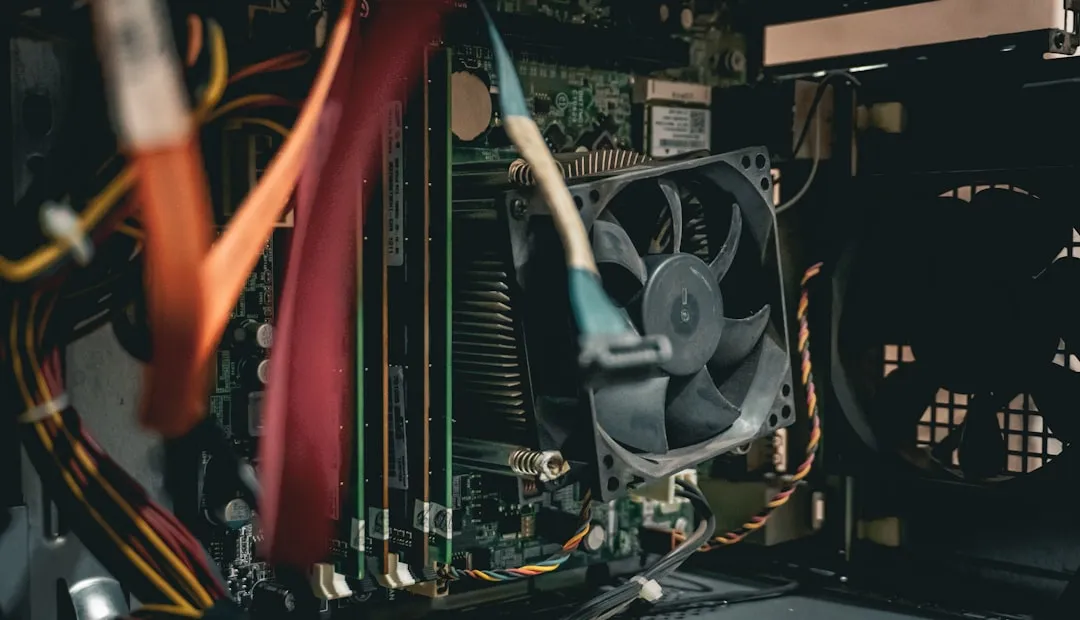
Once you understand the firmware foundation, the physical hardware becomes your playground. The controller's case requires significant force to open, with tight plastic clamps that need careful prying, as documented in iFixit's teardown guide. This design choice actually works in your favor—the robust construction means the internals can handle modification projects without falling apart.
Inside, you'll find hardware designed for more than its original Wi-Fi gaming purpose. The reverse-engineering work has revealed how the firmware flashing process works, laying groundwork for custom firmware development, though third-party firmware options remain limited, as noted by Liliputing. But limitation often breeds innovation—the existing tools provide templates for creating entirely new controller behaviors.
Community projects demonstrate the hardware's versatility. The ESP32-based wireless adapter projects show how Stadia controllers can become part of larger electronic ecosystems, as described in the OGX-Wireless-Lite project. These adapters essentially turn your controller into a wireless bridge, allowing compatibility with systems that would never natively support it.
The USB-C connection becomes a crucial interface for both charging and data transfer, maintaining functionality even after conversion, according to Google's documentation. This dual-mode capability means your DIY projects can leverage both wired reliability and wireless flexibility depending on what you're building.
Working within constraints: compatibility and practical applications
Understanding the technical limitations helps you design realistic DIY projects. The converted controllers work with specific platforms including Android, ChromeOS, and Steam on Windows and Mac, as verified by MakeUseOf, but won't work with Xbox One, PlayStation consoles, or Nintendo Switch due to proprietary wireless protocols, according to MakeUseOf. These constraints become design parameters rather than roadblocks.
The loss of audio support through the 3.5mm jack in wireless mode actually creates opportunities, as documented by Google. DIY projects can repurpose this port for custom interfaces, sensor inputs, or even additional wireless modules. Similarly, the Google Assistant and Capture buttons become unmapped in Bluetooth mode, according to Google's specifications, providing extra inputs for custom functionality.
The technical specification that the controller uses Bluetooth Low Energy connections, according to Google's specifications, reveals its optimization for power efficiency over high-bandwidth applications. This makes it ideal for sensor monitoring, home automation interfaces, or other IoT applications where long battery life matters more than data throughput.
PRO TIP: Document your modifications and share them with the community. The Stadia controller DIY scene thrives on shared knowledge and collaborative problem-solving.
The ultimate hardware rescue mission
This represents more than just repurposing old hardware—it's a masterclass in community-driven innovation. The controllers are available affordably on the second-hand market, as noted by MakeUseOf, making them accessible for experimentation without significant financial risk. Google's decision to extend the conversion tool availability through 2025, according to SlashGear, provides a crucial window, but community tools like stadiatool ensure the capability won't disappear when Google's servers shut down.
What makes this the ultimate rescue mission is the combination of factors: quality hardware designed for demanding applications, comprehensive reverse-engineering work by the community, and accessible entry points for learning hardware modification. These aren't cheap throwaway controllers—they're well-engineered devices with solid construction that can serve as platforms for serious DIY development.
Bottom line: Stadia controllers offer the perfect storm of availability, capability, and community support for DIY innovation. Whether you're building custom gaming setups, experimenting with wireless protocols, creating IoT devices, or just learning hardware modification techniques, these controllers provide a robust foundation. The tools exist, the documentation is there, and the hardware is waiting to be transformed into something entirely new. This isn't just about saving controllers from landfills—it's about unleashing the creative potential of abandoned technology through community ingenuity.





Comments
Be the first, drop a comment!