



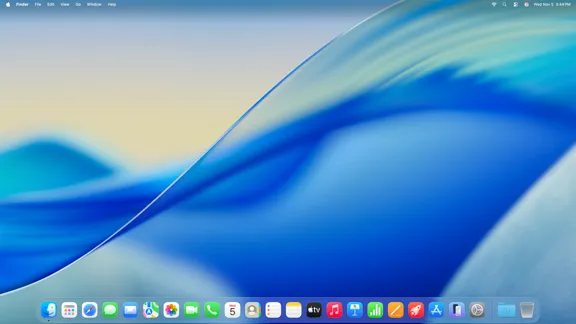
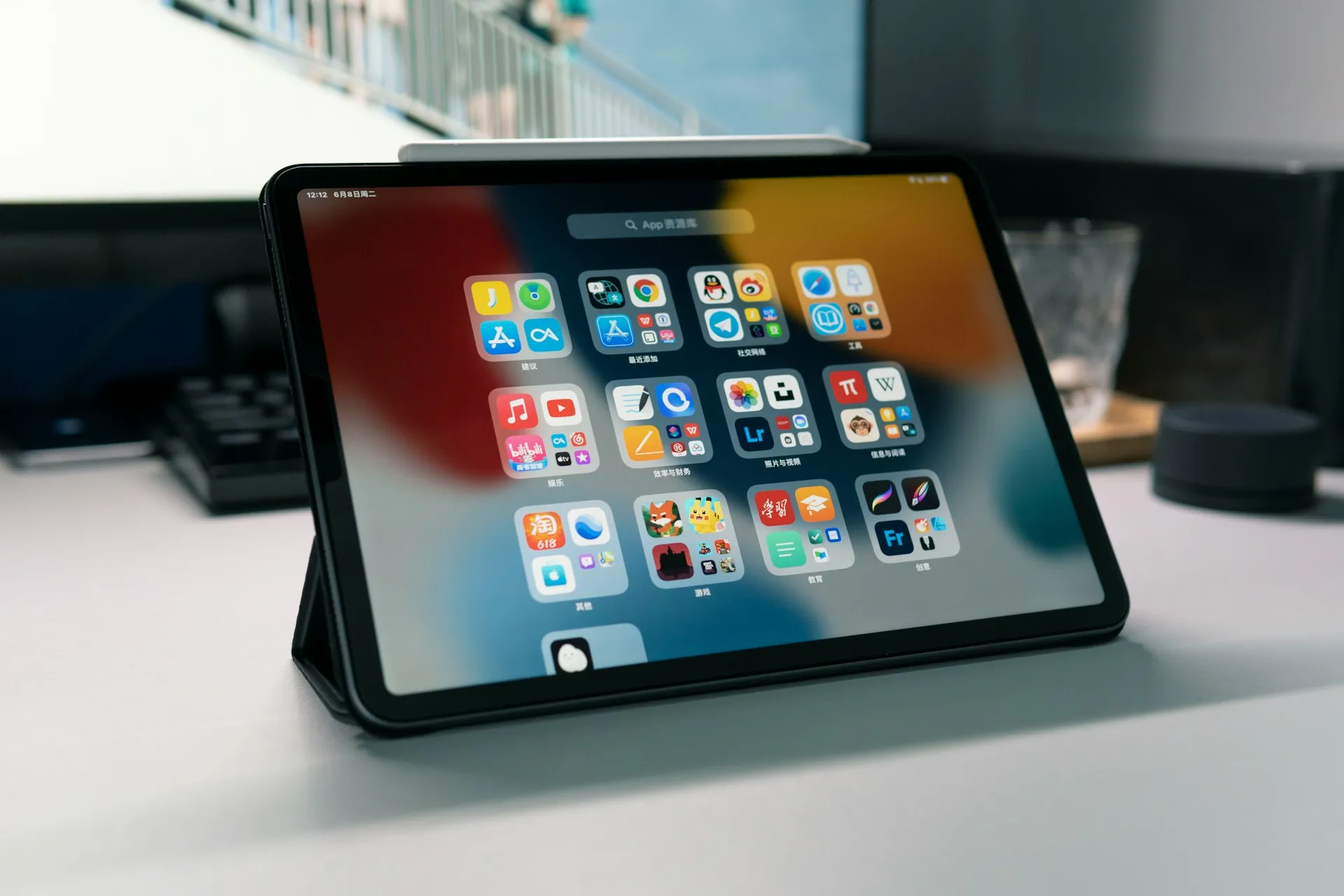
Search for how to install macOS on an iPad, and Sidecar dominates the results, Apple's feature for mirroring an actual Mac's screen onto the tablet. A project called Virtual Mac on iPad claims something different: it boots real macOS, the actual kernel and userspace, directly on the iPad's own silicon. The project's repository puts its ambition plainly. People have wanted to run macOS on an iPad for more than a decade, the maintainers write, and "today, that dream comes true."
That's the maintainers' framing, not independent confirmation, and the catch arrives fast. The method only works on a narrow slice of iPads still sitting on an older firmware version. Based on the materials reviewed for this article, neither the maintainers nor the outlets covering the project have published a full, step-by-step installation sequence, so there's no verified public procedure to reproduce yet. What follows covers eligibility, documented requirements, and the risks worth weighing, not installation commands.
Before you do anything: verify these six things
Before reading further, check your own setup against these points. Most of the article expands on why each one matters.
The exact iPad model: M1 or M2 iPad Pro, or M1 iPad Air.
The current iPadOS version, which needs to fall between 16.0 and 16.3.1.
The storage capacity specified by the project; verify whether it requires 1TB total or 1TB free.
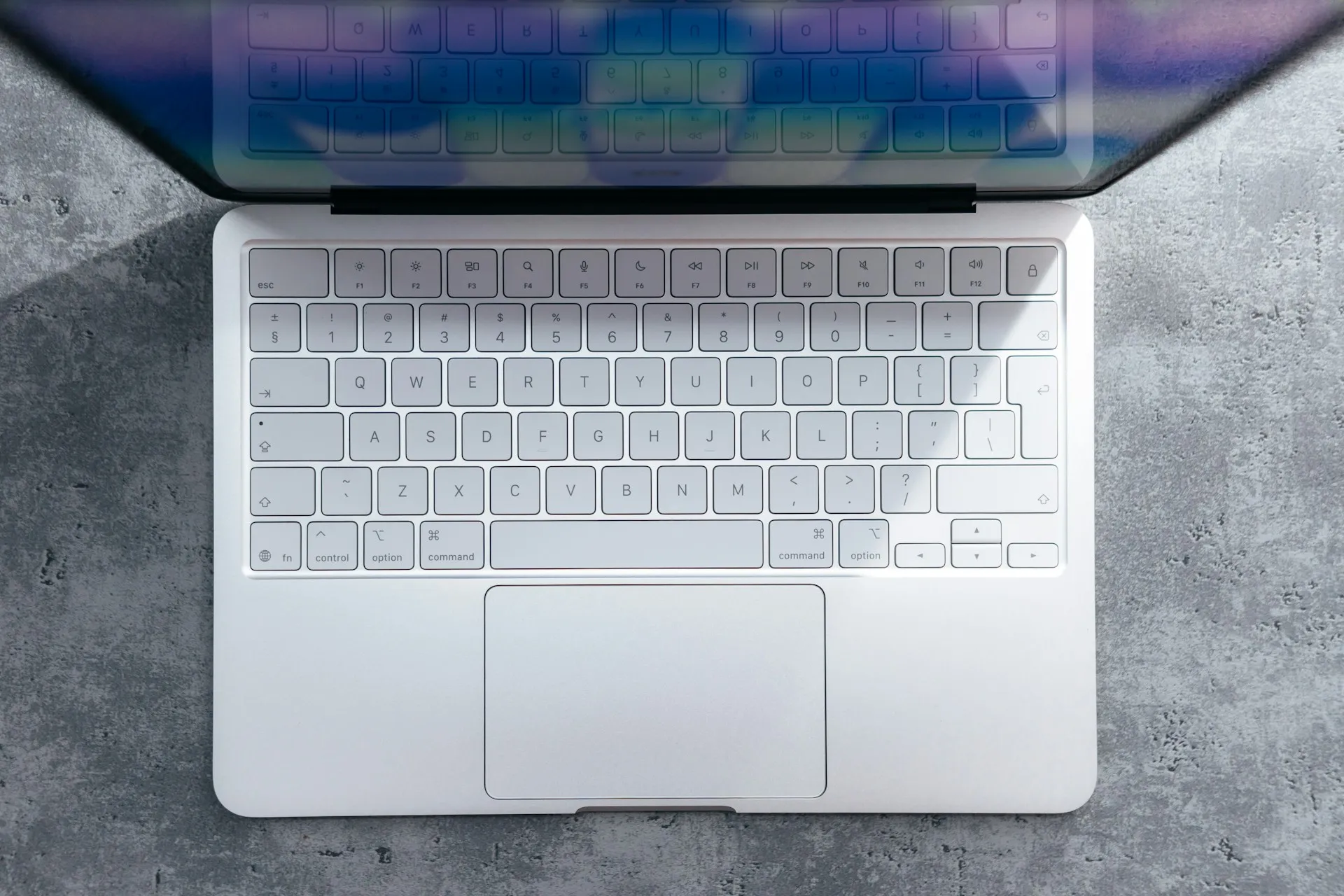
Access to a Magic Keyboard, or at least tolerance for the alternative.
Whether iCloud, Find My, App Store access, Apple ID sign-in, or developer signing are things this device can't live without.
Whether a recovery or restore method has been confirmed if something goes wrong.
If any of those gives pause, the sections below explain why, and what's genuinely unknown.
Which iPads qualify to run macOS on M1 or M2 hardware
The eligibility list is specific rather than broad. The project's own repository names the M1 or M2 iPad Pro and the M1 iPad Air, running iPadOS 16.0 through 16.3.1, as supported hardware. AppleInsider's reporting confirms the firmware side of that requirement separately: the exploit takes advantage of a vulnerability present specifically in iPadOS 16 through 16.3.1, so the device and its software version both have to match.
Mango Developer describes the hardware requirement more loosely, as "M1/M2 iPads" spanning both Pro and Air lines. That's broader than what the repository states, so until the maintainers clarify whether an M2 iPad Air is actually supported, treat the GitHub listing as the authoritative source rather than the looser description.
The firmware dependency is the real bottleneck for this iPadOS 16 jailbreak for macOS. Because the exploit depends on a vulnerability specific to that version range, an iPad already running iPadOS 17 or later isn't covered by this project's documented requirements.
That doesn't rule out some future method working on newer software; it just means nothing documented today does. If a spare, eligible iPad isn't already sitting on that version window, there's nothing further to check.
How to install macOS on iPad when no verified walkthrough is available
Here's the gap worth naming directly: neither the project's repository nor the reporting on it lays out the jailbreak-and-install sequence step by step. What's available describes what the finished setup can do, not how to reach it.
A separate, related body of jailbreak tooling for iOS and iPadOS 16 exists, covering things like rootless configuration and cross-compiled components signed for the device, but nothing in the available research ties that tooling directly to Virtual Mac on iPad's specific process. Treat those as background on the broader jailbreak scene, not as instructions for this project.
What is documented is which macOS versions run once the setup is complete. The repository lists compatibility from macOS 12 Monterey up through macOS 27, codenamed Golden Gate, though the maintainers recommend sticking to Ventura through Sequoia for stability. For anyone planning to develop on the device itself, the repository also pairs specific Xcode builds to specific macOS versions:
macOS Monterey (12): Xcode 14.2
macOS Ventura (13): Xcode 15.2
macOS Sonoma (14): Xcode 16.2
macOS Sequoia (15): Xcode 26.3, according to the repository.
That table is the project's own stated compatibility information, not an independently verified benchmark of how any of those builds perform in practice. Plan storage accordingly: the coverage reviewed recommends a 1TB-capacity device; the project's exact free-space requirement needs confirmation, and while a Magic Keyboard isn't strictly required, it's strongly advised before starting.
What works, what breaks, and how it compares to Sidecar
The core claim is described consistently across the available coverage. This isn't a virtual machine and isn't a screen mirrored from another Mac: Mango Developer describes it as the real kernel and the real userspace, running on bare metal. Xcode runs too, according to the project's own documentation, as long as its version matches the installed macOS build.
The list of what doesn't work matters more for anyone weighing whether this is practical. Apple ID sign-in isn't available at all, which takes iCloud, Keychain sync, Find My, and the App Store off the table entirely. That carries a direct consequence for developers, per the project's own stated limitations: code compiled in this environment can't be signed for a physical device or shipped to TestFlight, even if it builds cleanly.
Touch input disappears as well. This build of macOS has no touch support, so a physical keyboard effectively replaces the iPad's usual way of interacting with the screen. The on-screen keyboard alternative is described in coverage as "odd."
It's worth comparing this to the feature Apple actually ships. Sidecar gives a full macOS desktop driven by an actual Mac and displayed on the iPad, with Apple Pencil support, Multi-Touch gestures, and touch controls in Sidecar's sidebar and Touch Bar, but that Mac still has to exist and do all the work.
Virtual Mac on iPad runs macOS locally, on the tablet's own chip, with none of that touch-friendly input mapping. The practical limitation here isn't raw processor support. It's the surrounding software: the interaction model, the account layer, the signing infrastructure that makes a Mac usable for real work.
Should you actually try this
Both outlets covering the project are consistent on one point: this is experimental software, not something built for daily use. AppleInsider calls it "extremely experimental," and Mango Developer frames it the same way, a proof of concept rather than a finished tool.
Some things are documented clearly, including the firmware window covered above. Other things aren't documented anywhere in the materials reviewed for this article: there's no confirmed bricking risk, no published factory-restore procedure, and no stated warranty impact. Those are open questions, not settled risks in either direction, and silence on them shouldn't be read as reassurance.
The project's roadmap lists iPadOS 15 support and compatibility with newer iPadOS versions as goals, with no announced timeline attached to either. That means today's narrow eligibility window has no scheduled expansion, not that it's guaranteed to stay this narrow.
The decisive factor, more than any of the others, is whether a confirmed recovery path exists before anything gets attempted. The other checklist items determine whether the setup is supported or useful; the recovery path determines whether attempting it is defensible. That one is the difference between an interesting weekend and a device that may require an uncertain or undocumented recovery process.
Given that, try it if there's a spare, qualifying iPad already frozen on iPadOS 16 through 16.3.1, comfort with jailbreak tooling despite the absence of a verified walkthrough, at least 1TB of storage and a Magic Keyboard on hand, no dependence on Apple ID services for that device, and a recovery method confirmed in advance. Skip it if any of those is missing, especially the last one.
Mango Developer cites public statements from Craig Federighi and Greg Joswiak, both of whom have said the Mac and iPad remain separate products with separate interaction models. Nothing about this project contradicts that stance directly.
Even the coverage sympathetic to the effort frames it as confirmation of something already understood technically, that macOS can run on iPad silicon, rather than a preview of anything Apple intends to ship.
For now, Virtual Mac on iPad is most useful as a technical experiment for a spare device, not a substitute for a Mac. Its next meaningful test isn't whether more people hear about it. It's whether the roadmap's promised support for older and newer iPadOS versions arrives with a reproducible installation process and a documented recovery path attached. Until that happens, this stays a project for the curious with hardware to spare, not a route anyone should point a primary device toward.


Comments
Be the first, drop a comment!